HOW TO GO VIRAL WITH INSTAGRAM REELS
How to go viral with Instagram Reels by Angelina & Antonis
Instagram Reels is a new feature that allows users to easily browse and engage with short-form video content within the Instagram app. This feature was launched as a direct response to the popularity of TikTok, which has become known for its user-generated content and digital advertising opportunities. With Instagram Reels, users can discover and follow creators, watch and share videos, and even create their own Reels using a variety of creative tools and effects. Whether they’re looking for entertainment, inspiration, or education, Instagram Reels offers a wide range of content that users can enjoy without leaving the app.
In this blog post you will find the most important tips to make your reels go VIRAL on Instagram. We are going to help you to achieve the best results for your content on Instagram! In addition, please check our Instagram Channel and follow us to see the whole world through our eyes: @angelinaandantonis
TOP TIPS TO BOOST YOUR INSTAGRAM VIEWS
HOW TO MAKE REELS VIRAL

1. Stay current with popular trends, but put your own unique spin on them
With Instagram Reels, trends can change quickly, so it’s important to act quickly when you see one you want to try. By posting a video as soon as possible, you can take advantage of the trend while it’s still popular and relevant. This can help you attract more viewers, engagement, and potentially even go viral. However, simply copying a trend without adding your own spin or making it work for your specific niche can make your content feel generic and unoriginal.
To stand out, try to find ways to put your own unique stamp on the trend. This could be by adding your signature style, incorporating your own ideas and perspectives, or making the trend work for your specific audience. By doing this, you can make the trend your own and create content that feels fresh and authentic.

2. Incorporate viral elements into your content
To increase the chances of your content becoming popular and widely shared, consider using elements that are currently trending and capturing the public’s attention. This could include songs that are topping the charts, challenges that are taking the internet by storm, or memes that are going viral. By incorporating these elements into your content, you can tap into the current zeitgeist and potentially gain a wider audience.
However, it’s important to make sure that these elements align with your subject matter and style, so that your content feels authentic and original.

3. Add text to your Instagram Reels
According to estimates, many Instagram users watch reels without sound, whether they’re scrolling through their feed or watching Stories or Reels. This means that it’s crucial to include captions or text in your videos, to help viewers understand the content and follow along without needing to turn on the sound. Not only can this make your videos more engaging and accessible, but it can also help you reach a wider audience and potentially increase your views and engagement. To add captions or text to your videos, you can use the built-in tools and options within the Instagram app, or you can use external software or services to create and import your own captions.
By experimenting with different styles, fonts, colors, and placements, you can find the right look and feel for your videos, and make them more engaging and accessible for all viewers.

4. Make sure to use high-quality footage in your videos
While high-quality footage is important, using our iPhones to shoot most of our Reels has been a great decision for us. The quality of videos taken on our iPhones is impressive, and it allows us to easily access and edit our Reels without the need for expensive and bulky professional cameras. Plus, with the right techniques and tools, you can get great quality footage from any camera, including smartphones. For example, you can use editing apps to enhance the look of your videos, and experiment with different lighting setups to improve the clarity and contrast of your footage. When filming with your iPhone, make sure to shoot in 4K and 30FPS to capture the highest possible quality of video.
This will ensure that your Reels look sharp and professional, even when viewed on larger screens or in high-resolution. Additionally, try to avoid shooting in low light or high-contrast conditions, as these can cause graininess, blurriness, or overexposure in your footage.

5. Edit your videos with CapCut and export using the correct settings
To get the best results, always edit your videos with professional applications like CapCut or Inshot. When exporting, make sure to use the settings supported by Instagram, which are 1080p and 30fps. If you upload in 4K, the algorithms will automatically decrease the quality of your Reels, resulting in a poor-quality video. To avoid this, stick to the recommended settings for the best results.
Pro Tip: To take your video to the next level, make sure to adjust the sharpness and exposure. This can improve the quality of your video by up to four times, and result in a high-quality Instagram Reel on your feed. By fine-tuning these settings, you can make your Reels stand out and engage your audience even more.

6. Post your Reels on your Instagram feed and Stories
To get more visibility for your Instagram Reel, share it on your Instagram feed and Stories. This will help ensure that your followers don’t miss the post. Although it’s possible to go viral on Instagram Reels, it’s unlikely to happen overnight. The key is to consistently create interesting and attention-grabbing content, and to use the tips and techniques discussed in this article. By focusing on these things, you can increase your chances of success on Reels and reach a wider audience.
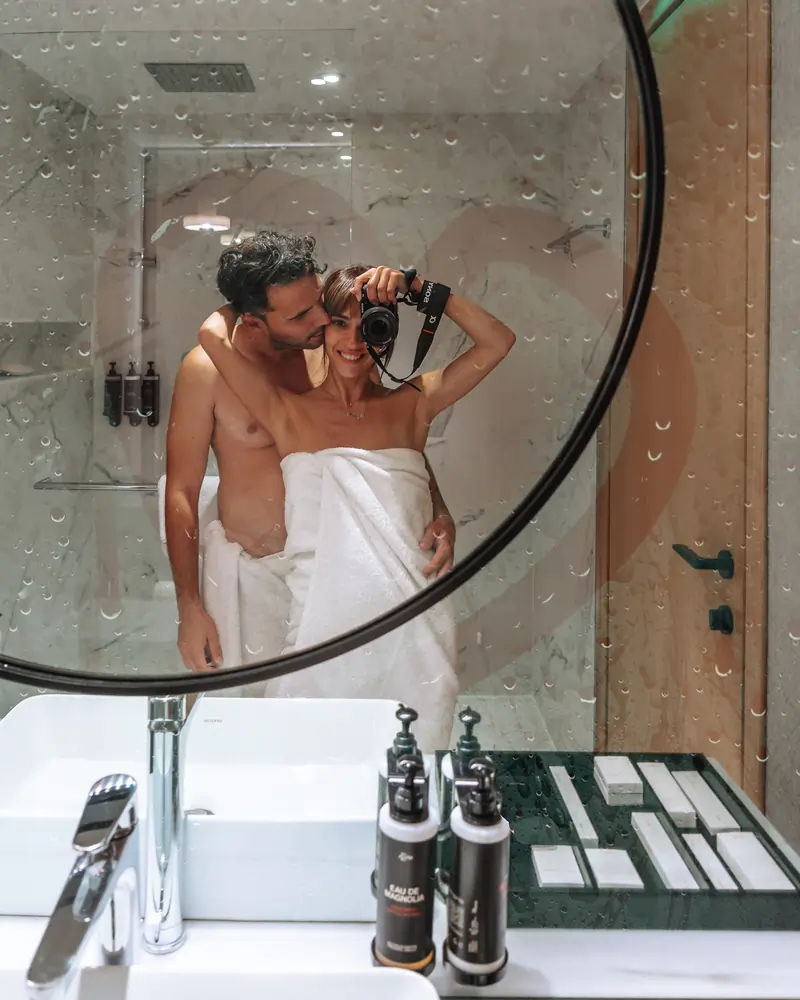
7. Make a personalized Instagram Reel cover
In addition, designing a custom Reel cover can have a big impact on the success of your video. This is the first thing that users will see when they come across your Reel, so it’s important to make a good impression. A well-designed cover can grab the user’s attention and entice them to click on the video, which can increase your views and engagement. A cover can also add value to your content, by providing context and information about what the video is about. This can help users understand the relevance and value of your Reel, and encourage them to watch it.
When designing a Reel cover, you should consider using a visually appealing image or video clip that represents the content of the video. You can also add text or a logo to the cover, to provide more information or branding. By making your cover interesting and informative, you can increase the chances of your Reel being watched and shared by users. Additionally, by using a consistent design and style for your Reel covers, you can create a cohesive and professional-looking profile that reflects your brand and personality.

8. Ensure the correct size
Moreover, using the ideal video size of 1080 x 1920 pixels can improve the quality of your Instagram Reel and make it more appealing to viewers. This size allows users to see the video in full resolution, with a 9:16 aspect ratio that is optimized for viewing on a smartphone. By recording your video vertically, you can achieve this size and ratio, and ensure that your Reel looks sharp and clear on any device. This can make your Reel more engaging and enjoyable for users, and increase the chances of them watching it and sharing it with others.
Additionally, by using the optimal video size, you can avoid common issues such as cropping, distortion, or loss of quality, which can affect the appearance and clarity of your Reel. To achieve the ideal video size, you can use a vertical video recording app or camera, or you can edit your video to resize and adjust the aspect ratio. By following these guidelines, you can create high-quality Reels that look great and capture the attention of your audience.

9. Avoid TikTok watermarks
Instagram Reels was launched with the aim of competing with TikTok and attracting more users to post videos on Instagram. One of the ways that Instagram Reels differentiates itself from TikTok is by detecting and penalizing videos that include TikTok watermarks. If your Reel includes a TikTok watermark, it may be less likely to rank well in the Reels section or appear in the Explore page, which can limit its visibility and reach. Therefore, to maximize the chances of your Reel being successful on Instagram, it’s important to remove any TikTok watermarks from your videos. This can help your Reel to compete with other Reels and get more views, likes, and comments.
To remove TikTok watermarks, you can use a video editing app or software that allows you to crop or mask the watermark, or you can use a video downloader that can strip the watermark from the video. By removing the watermark, you can create Reels that are more compatible with Instagram’s algorithm and more appealing to users.

10. Choose hashtags and interests to boost your content
Furthermore, hashtags are an important part of any Instagram post, because they help the algorithm understand the type of content in your video and show it to relevant users. However, it’s important to choose your hashtags carefully, because the most popular ones may not always be the best for your Reel. This is because popular hashtags have a lot of competition, which can make it harder for your Reel to stand out and get noticed. Also a brand new feature of Instagram is: Interests . You can only select up to three, so make sure to choose only relevant ones, even if you have to choose only one. Interests is a new feature that allows Instagram Algorithms to show you Instagram Reels to people that will be most likely interest in your topic.
This is a brand new feature that if you use wisely , can make your Instagram Reel go VIRAL!

11. Less can be more
Moreover, it’s common to assume that you should use the full time limit for every Reel, but this isn’t always the best strategy. In some cases, longer Instagram Reels can be more effective, but in others, shorter and more focused Reels can be more engaging and appealing. The key is to keep viewers interested and engaged, and prevent them from swiping away before the Reel ends. If this happens, it sends a negative signal to Instagram’s algorithm, and your Reel may not be shown to as many users. To avoid this, you should focus on creating Reels that are interesting, engaging, and concise, and avoid stretching them out unnecessarily. This can help your Reels to stand out and get noticed, and increase the chances of them going viral on Instagram.
How to make Reels Viral: our step-by-step guide
How to make viral reels: Are you ready to create viral Reels and take your Instagram game to the next level? Follow these steps:
Start by researching ideas on Instagram Reels, and spend time on the platform to see what’s trending and popular in your niche and others. Save any sounds you like for future use.
Choose a song or trend to focus on, and go back through your saved Reels and sounds to find the one you want to use.
Screen record the song on Instagram, and extract the sound using InShot or CapCut, so you can use it in your video.
Apply luts to your clips, and import them into InShot or CapCut. Match them up with the beat and arrange them in the order you want.
Add text if needed, either within Instagram or using a separate editing tool.
Upload to Instagram, and write a captivating caption that adds to your Reel. Choose hashtags that align with your content, and add a cover photo if you want one for your feed.
Now you’re ready to start creating viral Reels that will get noticed and boost your engagement on Instagram. Pro tip: Follow us and copy our Reels – they’re all based on viral songs!